LinkedIn Carousel Posts: dwell time and lead gen patterns
LinkedIn Carousel Posts reward attention and teach in sequence. So your first slide sets the promise. Then each page delivers the next step. LinkedIn Carousel Posts work as document posts that readers swipe. Let’s break it down with dwell time signals, clear steps, and lead gen plays that fit how people read on LinkedIn. Here is why this matters: LinkedIn Carousel Posts can raise LinkedIn Posts Reach when the content holds attention and guides a simple action.

What LinkedIn Carousel Posts are and why dwell time matters
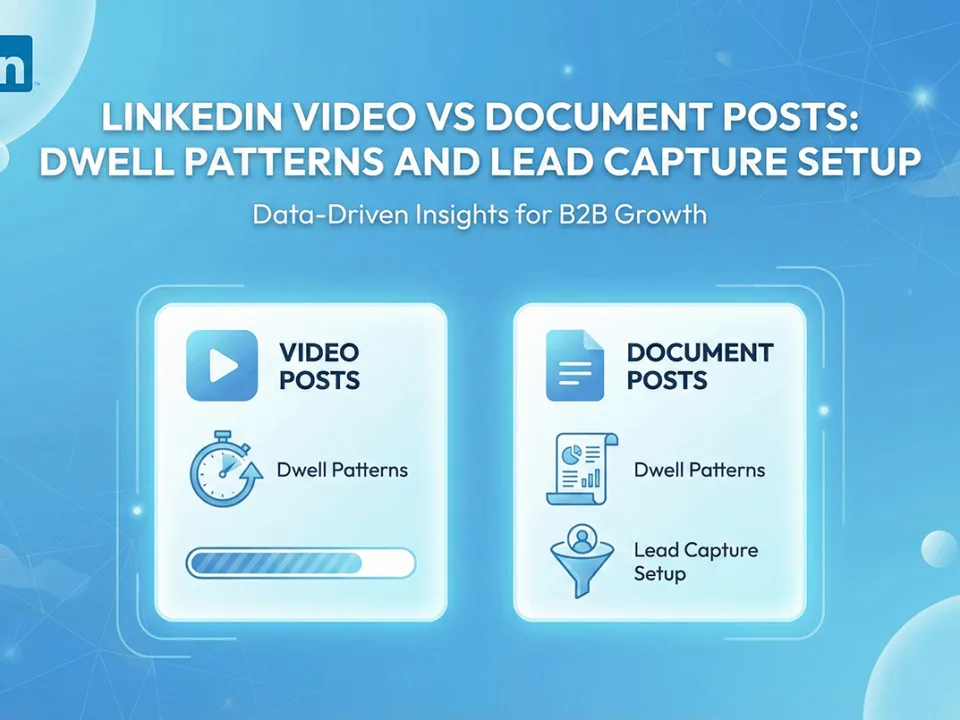
LinkedIn Carousel Posts are document posts that render as swipeable pages. So your PDF, PPT, or DOC becomes a mobile-friendly set of slides on LinkedIn. You can add a document from the composer on desktop and mobile. For formats and how the post appears, see LinkedIn Help here: Add a document to your post (LinkedIn Help).
Dwell time is the attention a post earns while people linger and read. LinkedIn Engineering explains that dwell time works as a signal in feed ranking, since it reflects interest beyond a fast scroll. See the Engineering write-up here: Optimizing the feed for dwell time (LinkedIn Engineering). When your carousel holds attention, this signal can help distribution. So your design and copy choices matter slide by slide.
How document posts create a carousel experience
A document post turns each page of your file into a swipeable slide. So your sequence becomes the story. People can read at their pace. Also, they can save or share the post. The file type and size determine quality and legibility. So start with a crisp PDF sized for mobile and desktop. Then test a short set and a long set to see where attention stays strong. The Help page above covers how to attach and publish documents.
Dwell time signals in the feed
LinkedIn Engineering shows how dwell features help the system learn what members value. When a person pauses and reads, the model can assign stronger quality signals. Because carousels create natural stops at each slide, your structure can nudge dwell. So plan the opener, the mid-set reveal, and the last-slide CTA to keep readers moving. Then your LinkedIn Posts Reach often rises.
How to create LinkedIn Carousel Posts step by step
You can create carousels in minutes when you design for clarity and speed. Start with a hook, then a path, then a close. Here are the steps.
File specs and supported formats
Prepare a PDF with 1080 × 1080 or 1350 × 1080 slides for square or landscape designs. Also test 1350 × 2400 if you prefer tall slides that still read on desktop. Keep text sizes generous. Then export with vector text to protect clarity. LinkedIn Help shows how to add a document and where it displays in the post composer: Add a document to your post (LinkedIn Help).
Keep file size within LinkedIn limits. Also avoid heavy gradients that risk compression banding. Then preview on mobile before you publish. So your first impression remains strong.
Slide structure, hooks, and captions
Open with a single promise. Then show the outline on slide two. After that, deliver one clear step per slide. Keep sentences short and front-loaded. So a skim still delivers value. Use captions to add context, not to repeat slide text. Also place a short CTA near the end of the caption that matches your final slide ask. Then readers see the same direction in both places.
Patterns that raise LinkedIn Posts Reach with carousels
Small creative shifts can lift attention. So test these patterns first. Then tailor them to your niche.
First-slide promise and skim-friendly design
Promise one outcome on the opener. Make it plain and concrete. Then place a simple visual that helps scanning. Use few words per slide. Also keep a strong contrast ratio. Because readers decide fast, the opener and slide two do the heavy work. Then your reach can compound as more readers stay. You can see creative guidance from recognized marketing publications to shape your first-slide delivery. Review the Hootsuite guide on carousels here: LinkedIn Carousel Guide (Hootsuite).
Educational arcs that reward attention
Readers respond when learning feels smooth. So split your topic into a sequence of small wins. Then place a mid-set payoff that answers a common question. After that, end with a checklist or one-page template that people can save. This arc earns saves and shares. Also, it nudges dwell because the next slide promises another useful point. Buffer’s roundup of carousel learnings covers simple design choices that support reading flow: LinkedIn Carousel Learnings (Buffer).
Mobile legibility and tap targets
Many members read on phones. So set a minimum font size and large line spacing. Keep edge padding wide. Then avoid tiny diagrams and dense tables. If a slide needs detail, split it across two slides. Also test light and dark themes with your audience. Because legibility drives reading time, this choice feeds your dwell signals.
Lead gen plays with carousels that respect the user journey
Carousels can warm interest and earn a soft action. So pair a helpful set with a light CTA. Then invite a deeper step when trust forms.
On-platform micro-CTAs
Ask readers to save the post, comment with a word that signals interest, or follow for related sets. These asks keep readers inside LinkedIn. So friction stays low. Also, your next carousel can deliver the follow-up tool or template you promised. Then interest builds in a steady way.
Off-platform capture with Pages and forms
For deeper capture, use a Page with a clear landing experience. LinkedIn Pages can enable Lead Gen Forms for paid campaigns and certain placements. See the Help coverage here: About Lead Gen Forms for Pages (LinkedIn Help). Also see the product blog for Document Ads to learn how documents pair with lead capture in paid formats: Introducing Document Ads (LinkedIn Marketing Solutions).
For organic carousels, point the final slide to a simple landing page, or invite a message request. So you match interest level with a low-friction next step. Then you can retest CTAs by audience segment to learn what invites action.
If you want a library of examples and content plans, visit the MediaGrowth blog: MediaGrowth blog. Also, see the LinkedIn category for templates and briefs: LinkedIn resources. When you are ready to scale, review service options here: MediaGrowth packages.
Measurement: dwell-aware metrics and post-level comparisons
Measure what readers do and how long they stay. So track saves, shares, comments, and clicks. Then compare like with like across formats and topics.
What to track in analytics
Look for reach, reactions, comments, shares, profile visits, and link clicks. Also track saves. Saves often signal that the set taught something worth keeping. Because dwell time supports distribution, watch how carousels compare to single-image posts on attention markers. LinkedIn’s Engineering team describes why attention length informs quality signals in the feed: Optimizing the feed for dwell time. Then line up your next test based on what the data shows.
A three-week test plan
Week one, test two hook lines on the opener and keep the same content inside the set. So only the hook changes. Then compare reach, saves, and comments.
Week two, keep the hook constant and test two slide counts, like eight vs twelve slides. Also hold font and spacing steady. Then study completion rate by slide.
Week three, test two CTAs on the last slide. One asks for a save and follow. The other invites a soft step to a landing page. Then compare clicks and follows. So you learn which ask fits your audience right now.
Across all weeks, use a consistent posting time. Also avoid mix-ins that would bias the test. Then roll the winner into your default template.
FAQs: LinkedIn Carousel Posts and reach myths
Do carousels always beat single-image posts? No. Some stories need one strong image and a short line. So use carousels when the content truly benefits from steps and saves.
How long should a carousel be? Eight to twelve slides can work well for many topics. So start there. Then test shorter or longer sets to match your readers.
Do links in the caption hurt reach? Many readers avoid leaving LinkedIn during a read. So your last slide can invite a later step. Then your caption can echo that ask without forcing a jump too early.
Can I run carousels for lead capture? You can warm interest with organic carousels and capture with a simple landing page. For paid, Lead Gen Forms and Document Ads support deeper capture. See LinkedIn Help and product posts here: Lead Gen Forms Help and Document Ads.
Does LinkedIn favor dwell time? LinkedIn Engineering explains how dwell features help rank quality content. So content that earns attention can reach more readers. See the Engineering post: Optimizing the feed for dwell time.
Need a practical partner while you test? See options that support pace and proof for your next posts: Buy LinkedIn post likes, Buy LinkedIn company followers, and Buy LinkedIn profile followers. Many vendors sell similar packages (Twiends, SocialWick, Media Mister, Buzzoid, Stormlikes, Twiends Learn). Compare safety, clarity, and service. After you compare, MediaGrowth stands out for steady support and a focus on LinkedIn outcomes. Also, find more planning guides here: MediaGrowth.